Follow these simple steps to place your order.
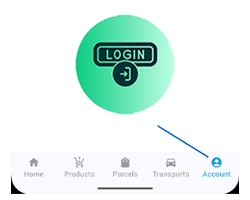
Click The Icon At The Bottom Right To Log In Or Create An Account In Order To Make A Request.
Step 1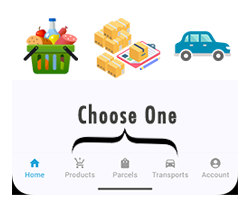
Select Any Service You Prefer—Product, Parcel, Or Transport—From The Bottom Navigation To Continue.
Step 2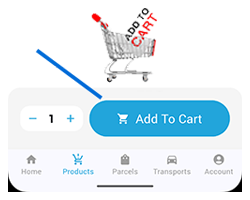
Then Add As Many Items To The Cart As You Like. You'Ll See The Item Count And Total Price Updated.
Step 3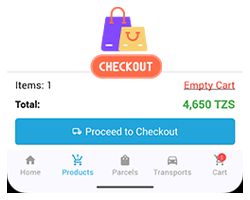
Review Your Selected Items And Proceed To Checkout To Finalize Transport Allocation.
Step 4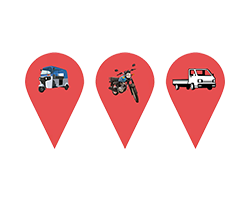
Select The Transport Range And Type. The Corresponding Price Will Be Displayed.
Step 5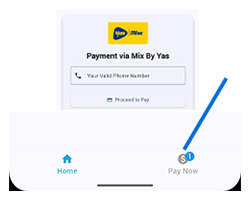
Review Your Details Before Confirming The Payment, Then Proceed To Pay.
Step 6